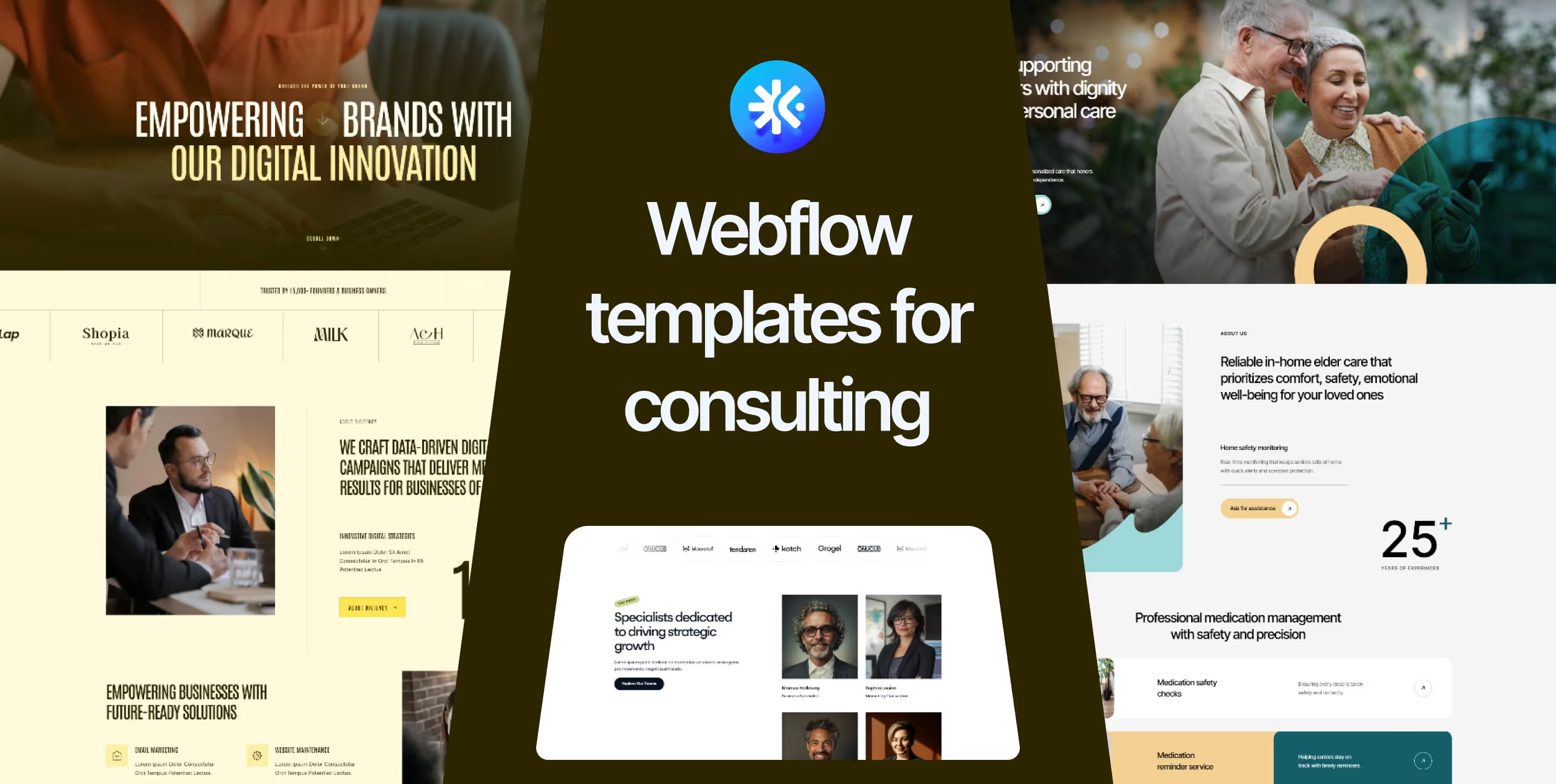
Your practical guide to choosing consulting website templates that actually win projects. Real reviews, no jargon, and advice from someone who understands what consulting businesses need to establish credibility fast.
Here's the awkward truth about consultant websites. Most of them look exactly the same. Same stock photos of people in meetings. Same vague promises about "driving transformation" and "delivering results." Same contact form that goes to an inbox nobody checks.
Meanwhile, potential clients are trying to figure out: What do you actually do? Who have you helped? Why should I hire you instead of the other 47 consultants who showed up in my Google search? If they can't answer these questions quickly, they're moving on.
You don't need a $20,000 custom website to look credible. You need webflow templates for consulting firms—professionally designed, built specifically for advisory businesses, and ready to demonstrate expertise without the generic consultant-speak. Templates that make your practice look established, even if you hung out your shingle last month.
Let's look at what actually wins consulting engagements.
Consulting isn't like other businesses. You're selling expertise, judgment, and results that clients can't fully evaluate until after they've hired you. Your website needs to build trust with people who are inherently skeptical of consultants.
Your website has to do something most sites don't: prove you know what you're talking about before anyone talks to you. Show real expertise. Demonstrate you've solved similar problems. Make it clear what you do and who you help.
That's why professional webflow consulting templates focus on credibility signals, clear positioning, and authority building. They understand that in consulting, your website either establishes you as an expert or confirms you're just another consultant with a website.
For additional consulting template options and detailed selection guidance, explore our complete collection of consulting webflow templates.
Price: $129 USD
Best for: Business consultants, strategic advisors, management consultants
Rating: ⭐⭐⭐⭐⭐ (5/5)
.gif)
Envoll is built for consultants who need to establish authority fast. Originally designed for elder care consulting but perfectly adaptable for business consulting, it focuses on trust-building and clear service presentation. If you're a consultant where credibility matters more than flashy design, Envoll delivers exactly what clients want to see.
Envoll uses professional, trustworthy design that says "we know what we're doing" without being stuffy. Clean layouts emphasize information over decoration. The template handles complex service offerings well—important when you're explaining sophisticated consulting capabilities.
Trust signals are strategically placed throughout. Client logos, testimonials, certifications, and credentials appear where they matter most. The design supports credibility building without feeling like you're bragging.
Pick Envoll if you're a consultant where trust and credibility are paramount. Works especially well for established consultants moving from corporate careers, solo practitioners building serious practices, or boutique firms serving enterprise clients. The template helps you look like the safe, credible choice.
Price: $129 USD
Best for: Digital consultants, technology advisors, transformation specialists
Rating: ⭐⭐⭐⭐⭐ (5/5)
.gif)
Digitency is designed for consultants working at the intersection of business and technology. If you're advising on digital transformation, technology strategy, or helping companies modernize, this template speaks that language. It's built for consultants who need to demonstrate both business acumen and technical credibility.
Digitency uses modern, tech-forward design without looking gimmicky. The aesthetic feels current and innovative—important when you're selling digital transformation. Layouts balance professionalism with energy, showing you understand both business fundamentals and emerging technology.
The template excels at explaining complex consulting services. Service pages break down your methodology step-by-step. Case studies show before/after transformations clearly. Everything's designed to help non-technical clients understand technical consulting value.
Choose Digitency if you're consulting on technology, digital transformation, or innovation. Works great for consultants helping traditional businesses modernize, technology advisors serving C-suite, or boutique firms specializing in digital strategy. The template helps you look current and credible on emerging topics.
Price: $129 USD
Best for: Strategy consultants, financial advisors, business analysts
Rating: ⭐⭐⭐⭐½ (4.5/5)
.gif)
Quantio is tailored for consultants where analytical rigor and data-driven results matter most. If you're doing strategy work, financial advisory, or any consulting where numbers and frameworks are central to your value, this template presents that expertise properly. It's designed for serious consultants serving serious clients.
Quantio uses confident, sophisticated design that conveys analytical capability. Clean typography, organized layouts, and strategic use of data visualization support the positioning as a serious consulting practice. The template feels substantial without being heavy.
Service pages are structured to explain complex consulting offerings clearly. The design handles frameworks, methodologies, and analytical approaches well—helping potential clients understand your value without getting lost in consultant-speak.
Pick Quantio if you're doing strategy, financial, or analytical consulting where rigor and methodology matter. Works especially well for consultants serving enterprise clients, boutique firms competing with big consulting firms, or solo practitioners who left McKinsey/BCG/Bain to start their own practice. The template helps you look like serious competition.
Custom website development takes 4-6 months minimum. That's half a year where you're either showing an outdated site, using a generic template that screams "I don't invest in my practice," or trying to win consulting engagements without a proper web presence.
Affordable webflow templates for consultants let you launch in 1-2 weeks. Not a holding page—a complete consulting site showing your expertise, case studies, and credentials. Start competing for better engagements this month, not next quarter.
Someone who builds consulting sites designed these templates. They know what questions prospects ask. How to present services without jargon. Where to place credentials. What makes someone request a consultation.
You get years of consulting marketing expertise baked into the structure. The case study layouts. The service descriptions. The trust signal placements. All tested with actual consulting practices.
You're a consultant, not a web designer. Your time is extremely valuable—billable hours are literally money. Spending months perfecting your website means months not serving clients or developing new business.
Templates let you check "professional website" off your list and get back to consulting. Update case studies when you finish projects. Add new services when you expand offerings. Launch good enough now, perfect when you're between engagements.
Different consulting specialties need different presentations.
Business/management consulting: Envoll's trust-building approach
Digital/technology consulting: Digitency's modern positioning
Strategy/financial consulting: Quantio's analytical credibility
Don't force a tech consulting template for a traditional business consultant. Match the template to your actual practice.
Who are you trying to win?
Enterprise clients: They want to see established credibility, proven methodologies, similar client logos
Mid-market: They need clear services, transparent pricing approaches, relevant experience
Small business: They're looking for practical expertise, straightforward communication, reasonable engagement models
How do you differentiate?
Industry specialist: Emphasize sector expertise and industry-specific case studies
Methodology expert: Show your frameworks and unique approaches
Results-driven: Lead with client outcomes and measurable impact
For more consulting template options tailored to different specializations and positioning strategies, browse our comprehensive consulting webflow templates collection.
Day 1-2: Brand basics (colors, fonts, logo)
Day 3-4: Write clear service descriptions (no consultant jargon)
Day 5: Add 2-3 detailed case studies with results
Day 6: Credentials, bio, and positioning
Day 7: Test contact forms, launch
That's enough to look credible. Add more case studies as you complete projects. Expand service pages when you have time. Get in front of prospects first.
Customize immediately:
Brand colors, logo, your actual services in plain language, real case studies with outcomes, credentials and background, contact information
Leave alone initially:
Template layout structure, navigation organization, trust signal placement, section spacing, mobile breakpoints
The template architecture works for consultants. Don't redesign credibility-building elements that are already optimized.
Every consultant says they "help organizations transform" and "drive sustainable results." Nobody knows what that means. What do you actually do? Who do you help? What problems do you solve? Say it clearly.
"We help companies achieve their strategic objectives" = Meaningless
"We help manufacturing companies reduce operational costs by 15-30% through lean process redesign" = Clear
Clients are inherently skeptical of consultants. They've been burned before. Show actual results. Real client outcomes. Specific metrics. Names of companies you've helped (with permission).
Don't hide your best work. Feature it prominently.
Consulting is about expertise. If you've got relevant credentials, experience, or background, don't hide it. Previous firm experience (McKinsey alumni), certifications (CPA, CFA), or education (MBA, PhD) matter to prospects evaluating consultants.
This isn't bragging—it's establishing you're qualified for the work.
The single biggest factor in consulting credibility? Actual client results. Real companies you've helped. Specific outcomes you've driven. Measurable impact you've created.
Template or custom, your site is only as credible as your case studies. Invest time here. Get good data. Tell compelling stories.
Templates come with placeholder copy full of consultant-speak. Replace all of it. Your services should be explained in language your grandmother could understand.
"Synergistic value optimization through strategic alignment" = Please stop
"We help you figure out which products to invest in and which to kill" = Hire me
Nothing makes a template feel custom faster than demonstrating deep knowledge. Write about specific industry challenges. Share frameworks you've developed. Reference research you've conducted.
Templates provide structure. Your expertise makes it credible.
Before going live:
Let's be realistic. Templates aren't always the answer.
Skip templates if:
For 95% of consultants and consulting firms? Templates work great.
Your current website situation is probably costing you clients. Either you're showing an outdated site that makes you look behind the times, or you're "working on a redesign" while competitors with professional sites are winning the engagements you should be getting.
Potential clients judge your consulting capability partly by how you present yourself. If your own site isn't credible, why would they trust you to advise their business?
Webflow templates for consulting firms fix this immediately. Professional design, clear service presentation, credibility-building structure. Everything you need to look like the established consultant you actually are.
Stop waiting for the perfect custom site. Launch good enough next week. Start winning better engagements this month. Update and refine when you're between projects and have time.
The consultants winning in your market right now? They're not waiting for perfect websites. They're using templates that work and spending their time building expertise and serving clients instead of obsessing over website pixels.
Browse our complete collection of consulting and professional services templates. Pick one that matches your practice, add your case studies this weekend, and start winning better engagements next week.
Get unlimited access to 170+ templates →
View all consulting templates →

%201.svg)


.svg)