.webp)
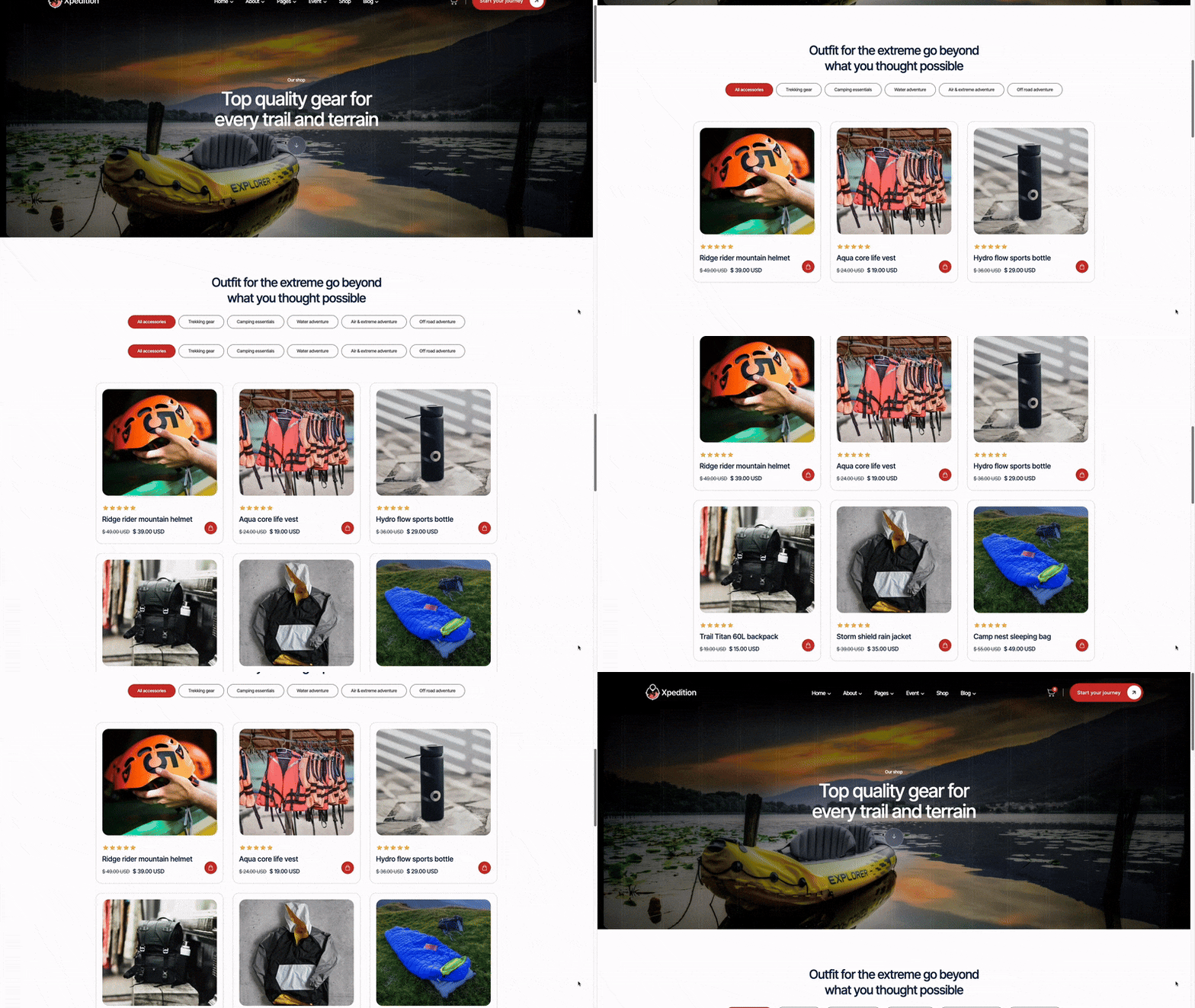
Straight talk about building an online store with Webflow. What you need to know before choosing a template, how to avoid common mistakes, and whether Webflow is actually right for your shop.
I've watched too many people pick the wrong platform for their online store. They choose based on what looks cool, not what actually sells products. Then six months later, they're rebuilding everything because their checkout flow is a disaster or their mobile site takes 10 seconds to load.
Webflow for e-commerce is different from Shopify. It's not better or worse—just different. And if you pick the best Webflow templates for ecommerce stores, you can build something that converts really well. But you need to know what you're getting into first.
This isn't going to be one of those "10 beautiful templates" articles where everything looks amazing and nothing is actually useful. We're going to talk about what matters when you're trying to sell stuff online.
Let's get this out of the way: Webflow isn't the right choice for every online store. If you're planning to sell 500+ products with complex inventory management, you probably want Shopify. If you need a marketplace with multiple vendors, look at WooCommerce or something custom.
The Webflow vs Shopify for online stores debate usually comes down to this: do you need tons of e-commerce features or do you need design flexibility? Pick based on your actual needs, not what some blog post says is "better."
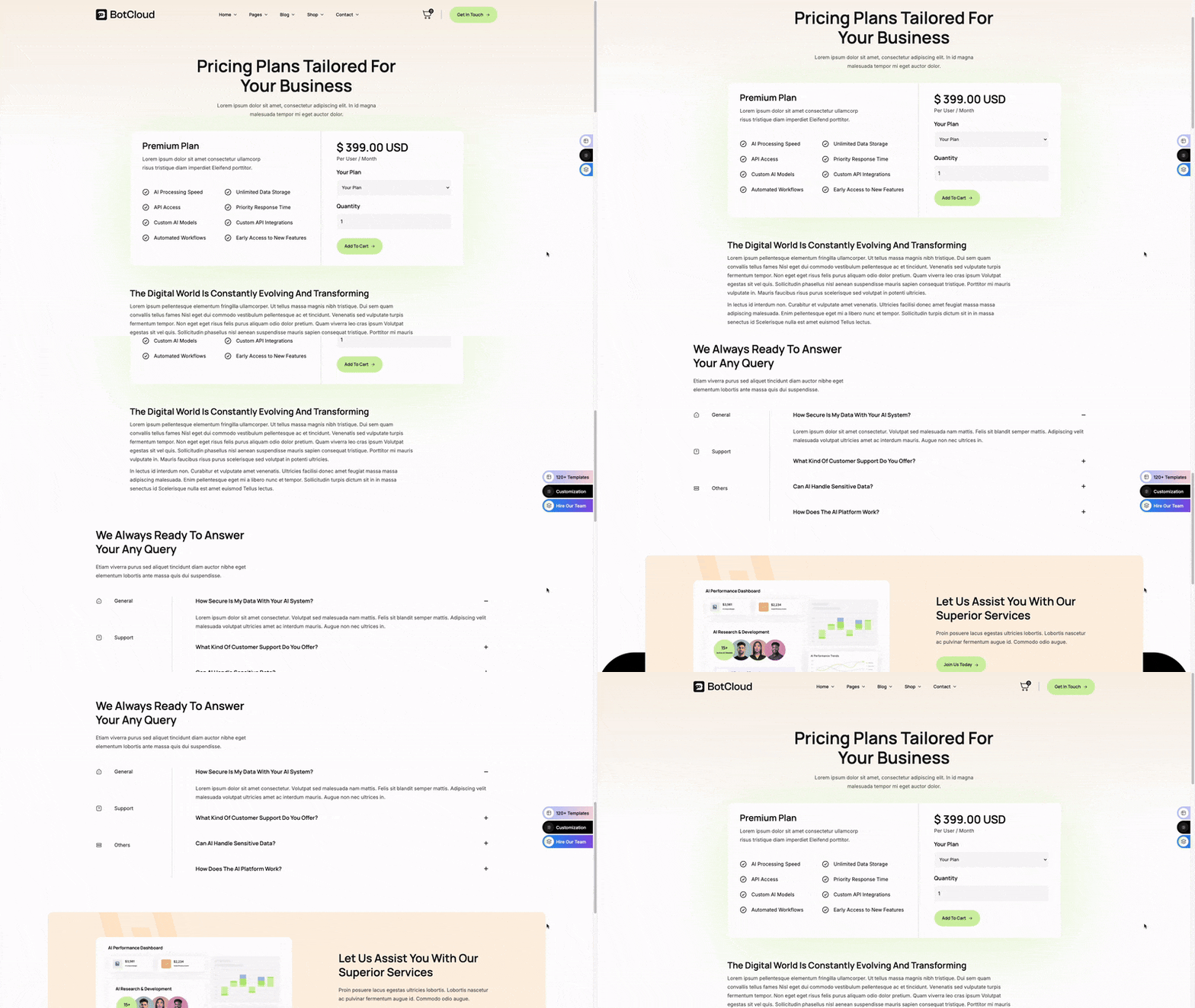
Forget about awards and fancy animations for a second. When you're picking affordable ecommerce website templates on Webflow, here's what you need to check:
About 70% of e-commerce traffic comes from phones now. If your template isn't built for mobile first, you're already losing sales. And I don't mean "technically responsive." I mean actually designed for someone shopping on their phone during lunch break.
Open the demo on your phone. Can you easily browse products? Is the text readable without zooming? Are the buttons big enough to tap accurately? Does the cart icon stay in reach? These seem basic, but half the templates out there fail this test. When you're looking at mobile-optimized ecommerce templates, don't trust the marketing copy—test it yourself.
Your product page is where sales happen or die. The template needs space for multiple product images, clear pricing, size/variant selection, and an obvious add-to-cart button. Bonus points if it has room for reviews, shipping info, and a size guide.
But here's what matters more: does the layout guide people toward buying? Is the information hierarchy clear? Can someone understand what they're buying in 5 seconds? A pretty product page that confuses people is worthless.
Webflow's checkout is hosted on their platform. You can't customize it as much as the rest of your site. So the template needs to make the transition smooth. Does the cart page match your brand? Is the checkout button obvious? Do you trust the flow when you test it?
I've seen stores lose 30% of sales just because the cart page looked sketchy or the checkout button was hard to find. Don't underestimate this part.
Let's talk money. Yes, affordable ecommerce website templates on Webflow cost $79-$199 upfront. That's cheap compared to custom design. But that's not your only cost.
Monthly hosting: Webflow's Standard e-commerce plan is $29/month (billed annually). That covers basic selling. If you need advanced stuff like abandoned cart recovery, you're looking at $74/month.
Transaction fees: Webflow doesn't charge transaction fees on top of payment processing. That's good. Payment processors (Stripe, PayPal) take about 2.9% + $0.30 per transaction. That's standard everywhere.
Apps and integrations: Unlike Shopify, Webflow doesn't have thousands of apps. That's good and bad. Good because you're not paying $50/month for six different apps. Bad because if you need something specific, you might need custom development.
For a small store doing under $10k/month, your all-in cost is probably $30-75/month plus the one-time template cost. That's reasonable. Shopify would be similar or slightly higher once you add apps.
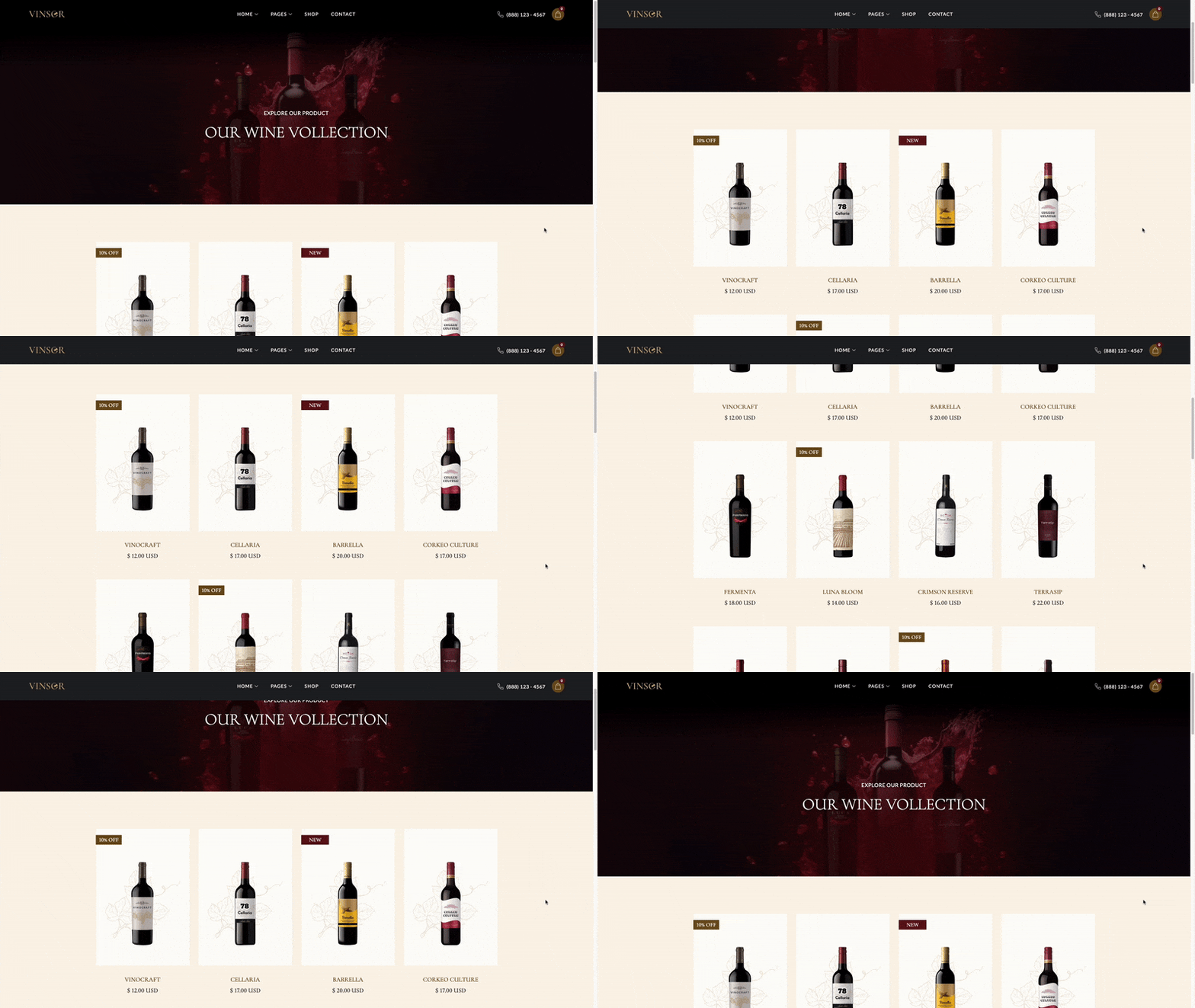
You bought a template. Now what? Most people immediately start changing everything, then wonder why their conversion rate is trash. Here's a better approach for Webflow ecommerce template customization:
Start small. Don't redesign the whole thing on day one. Focus on:
That's it. Launch with that. See how people respond. Get some sales. Then you can think about customizing more.
Go ahead and change: Colors, fonts (stick to web-safe options), your product images and descriptions, text content, button labels, your logo, footer content.
Think twice before changing: The layout structure, navigation hierarchy, product grid setup, checkout flow (you can't anyway), mobile breakpoints, the way variants work.
I see the same mistakes over and over. Here's what to avoid:
Yes, your products need to look good. No, you don't need 5MB image files. Webflow has image optimization built in, but you still need to start with reasonable file sizes. If your homepage takes more than 3 seconds to load, people are gone. I don't care how beautiful your photos are.
Use JPG for photos, PNG for graphics with transparency. Aim for under 200KB per image. Use Webflow's responsive image features so mobile users don't download desktop-sized files.
Shipping costs, return policies, sizing information—this stuff needs to be easy to find. Don't bury it in your footer or make people hunt for it. If someone has a question and can't find the answer, they're not buying. They're leaving.
Put shipping info on product pages. Have a clear returns policy linked in your footer and checkout. If sizing matters (clothing, shoes, rings), include a size guide right on the product page.
Webflow's designer lets you preview different screen sizes. That's helpful. But it's not the same as actually using your phone. Your fingers are bigger than a cursor. Your attention span is shorter. The lighting might be different.
Before you launch, grab your phone and try to buy something from your own store. Do this on wifi and on cellular. If anything is annoying or confusing, fix it. Your customers won't tell you—they'll just leave. That's why finding the right mobile-optimized ecommerce templates matters so much.
E-commerce SEO is different from regular website SEO. You're competing with Amazon, big retailers, and tons of other stores. It's harder. But it's not impossible.
Don't just throw up manufacturer descriptions or three sentences about your product. Write actual, useful content. What problem does this product solve? Who is it for? What makes it different from alternatives?
Aim for 300-500 words per product page. Yes, that's more work. But if you want to rank in Google for anything competitive, you need it. Include the stuff people actually search for: materials, dimensions, care instructions, use cases.
Your category pages (like "Men's T-Shirts" or "Ceramic Bowls") should have unique content at the top. Not just a product grid. Write a paragraph or two about the category. What makes your selection unique? What should people know before buying?
This helps with SEO and also helps customers understand what you're about. Plus, category pages often rank better than individual product pages for broader search terms.
Webflow handles most technical SEO automatically (clean URLs, automatic sitemaps, proper heading hierarchy). But you still need to set page titles and meta descriptions for every product and category page. Don't skip this. It's tedious but necessary.
Here's the real talk that most template sellers won't mention:
Shopify has apps for everything. Loyalty programs, subscription boxes, advanced analytics, AI recommendations—there's an app for that. Webflow doesn't. The e-commerce app ecosystem is growing but it's still limited.
This means you might need to use third-party tools (like Klaviyo for email, Zapier for automation) that connect through integrations. It works fine but requires a bit more setup. If you need something super specific, you might need custom code.
On the standard e-commerce plan ($29/month), you don't get abandoned cart emails. You need the Plus plan ($74/month) for that. This is frustrating because abandoned cart emails can recover 10-15% of lost sales. So factor that into your budget if you're doing decent volume.
If you're selling internationally, multi-currency support in Webflow requires some workarounds. It's doable but not as smooth as Shopify. Something to know upfront if you're planning global expansion.
Once you're live, track these numbers:
Webflow e-commerce works really well for certain types of stores. Small product catalogs, brand-focused businesses, stores that want content and commerce together—these are perfect fits. The best Webflow templates for ecommerce stores can get you up and running fast with a professional look that actually converts.
But it's not for everyone. If you need complex inventory management, drop shipping integrations, or a huge app ecosystem, Shopify might be better. If you're just selling a few products and care about design, Webflow is worth serious consideration.
The key is being honest about what you actually need. Not what sounds cool or what some influencer recommended. What does your business actually require to sell products online?
Pick based on that. Choose a template that fits your products and brand. Customize the basics. Test everything on mobile. Then launch and start selling. You can always improve things later based on real customer data.
Check out our collection of e-commerce templates. Each one is built to sell, loads fast on mobile, and looks professional. No fluff, just templates that work.
Get Access to 170+ Templates →


.svg)